
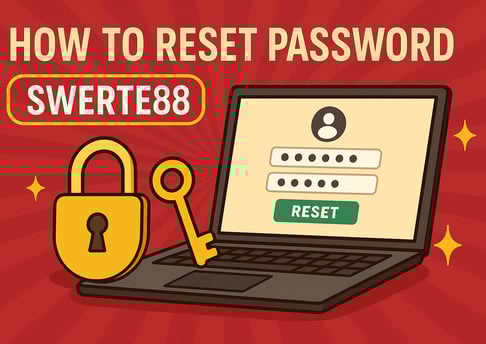
🔄 How to Reset Your Password at SWERTE88: Step-by-Step Guide for a Quick Recovery
Leave Comment/ By E /May 9, 2025
🧭 Step-by-Step Guide to Resetting Your Password at SWERTE88
✅ Step 1: Go to the Login Page
Visit the official site — SWERTE88 — and click on the “Login” button at the top right corner.
🔐 Step 2: Click “Forgot Password?”
On the login form, you'll see the “Forgot Password?” link below the input fields. Click it to begin the reset process.
📩 Step 3: Enter Your Account Information
You’ll be asked to provide either your:
Registered Username
Mobile Number
Or Email Address (if linked)
Make sure the details match what you registered with at SWERTE88.
📲 Step 4: Get a Reset Code
A verification code will be sent to your mobile or email. Enter the code into the prompt to verify your identity.
🔄 Step 5: Set Your New Password
Choose a new, secure password that includes a combination of:
Uppercase and lowercase letters
Numbers
Special characters (e.g. ! @ # $)
Avoid using common or easily guessed passwords.
🔓 Step 6: Confirm and Log Back In
Once saved, your password is immediately active. Go back to the login page, enter your new credentials, and you’re back in the game at SWERTE88!
🔐 Tips for Creating a Secure Password
Use a unique password for your SWERTE88 account
Avoid using names, birthdays, or predictable words
Don’t share your password with anyone
Consider updating your password every few months
📞 Need Help?
If your reset code doesn’t arrive or you’re facing issues during the process, the SWERTE88 24/7 support team is here to assist you. Connect via:
Live Chat Support
Email Assistance
Phone Hotline
Our team ensures your account recovery is fast, smooth, and secure.
🏁 Reset, Re-enter, and Win Again at SWERTE88
Account access should never stand between you and your favorite games. With this easy reset process, SWERTE88 ensures that your experience is always secure, smooth, and just one step away from the action.
Reset your password today and jump back into the thrill — only at SWERTE88!
Get in touch
Let's Talk
info@swerte88.info